Device Overview
1. Device Interface
Footswitches
Three silent footswitches are the main interface on the Aero. Rated for over 100,000 presses each, they can send different MIDI message stacks for different press types (Toggle On, Toggle Off, Press, Release, Double Press, Hold, Hold Release etc). Each switch can send many different messages, and can be configured differently on every bank: * Toggle On: 64 * Toggle Off: 64 * Press: 16 * Release: 16 * Hold: 16 * Hold Release: 16 * Double Press: 16 * Sequential Steps: 64 * Scrolling Messages: 64
RGB LEDs
Each switch is paired with an RGB LED that can be customised to any colour. Custom colours can be created on the device, in the web editor, or sent to the device with the API or MIDI commands. LEDs change their functions based on the switch mode that is currently set. This includes dim/on and off/on choices, flashing with MIDI clock, and more.
2. Power & Navigation
Powering Your Aero
You can power your Aero with either a USB cable, or a centre-negative 9v DC jack (2.1mm) commonly used for guitar pedals.
Switching Power Sources
The Aero uses smart power switching so you can have both cables plugged in at once, and if you need to remove one or the other, the unit will seamlessly switch power sources without shutting down or restarting.
Power Requirement
If you’re using a 9v DC power supply, please make sure it can supply the required 150mA.
Basic Navigation
Switching Banks
Because of the way an aux switch works, there is no way for the device to know when two switches are pressed simultaneously. Because of this, bank navigation is limited to press actions on a single switch using Smart Messages. Smart Messages can increment/decrement banks or target a specific bank number.
Alternatively you could plug another aux switch into a Flexiport and use it to control banking to leave the switches of the Aero free for other tasks.
There are 128 banks. Banking up from bank 128 will return you to bank 1. Banking down from bank 1 will send you to bank 128. Please note that banks can be counted using 0-127 or 1-128 numbering depending on the manufacturer.
Web Editor Features for Navigation
Global Settings
Aero settings can be modified inside the web editor to make one switch trigger bank up or bank down globally regardless of the current preset.
Switch and Bank Labels
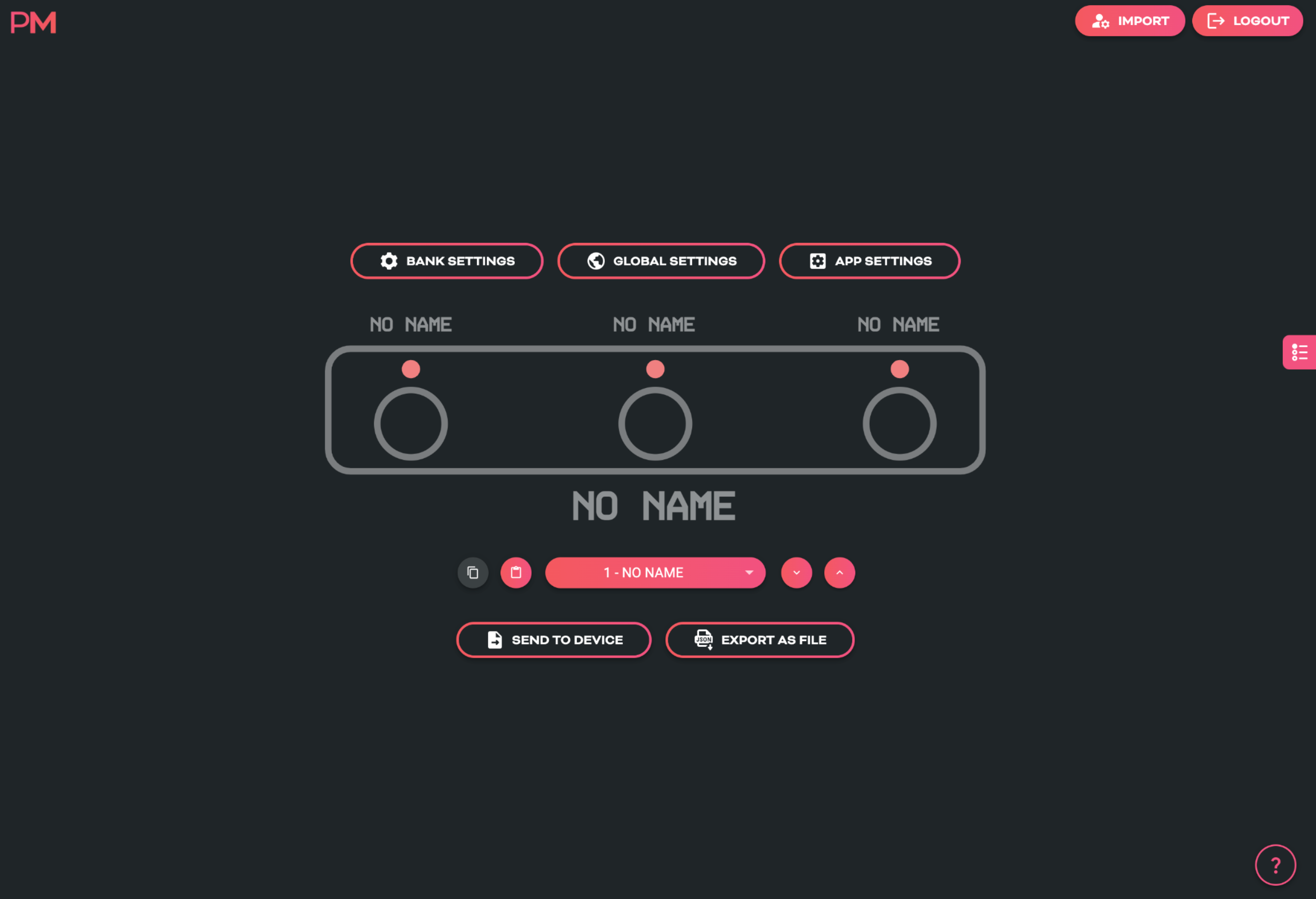
Even though the Aero doesn’t have a screen, we have included switch labels and bank names in the device’s config data which is transferrable between the device and the web editor. This will help you to keep track of what messages and features you have set up on a given bank or switch even if it is months between sessions using the web editor.
3. Overview of Connectors
USB (type-C):
The Aero can be powered by USB, and is also a class-compliant USB MIDI device. This means it will be recognised as a MIDI device without any drivers. Use it with your DAW, plugins, or music apps. The USB port is not a USB Host port.
9v DC (centre-negative)
A 2.1mm centre-negative barrel jack (common with standard guitar pedal power supplies). Requires 150mA.
1/4” TRS Aux Jack
A 1/4” TRS Jack that is directly connected to the 3 switches on the Aero using the same electrical circuit that any other triple aux switch uses. Switches A, B, and C, are labelled on the rear of the enclosure to show which connector of the TRS cable they represent.
TRS Flexiports 1 & 2
3.5mm TRS jacks with 8 modes: MIDI Out (Type A, Type B, Tip Active, Ring Active), Device Link, Exp-Doubler In, Expression In, Aux Switch In.
The extreme flexibility of the Aero is due partly to the two Flexiports we’ve included. The Flexiport is a multi-function TRS port that we’ve designed (and named) to give you a truly flexible experience with our devices.
!!! note Flexiports are included in most Pirate MIDI devices and offer slightly different mode selection based on the device's target use cases.